 Lost Ink
Nothing you write is lost.
You’ve always been able to think on paper. Now you can work from it, too.
Request early accessFree during beta · SuperNote and reMarkable · iPhone
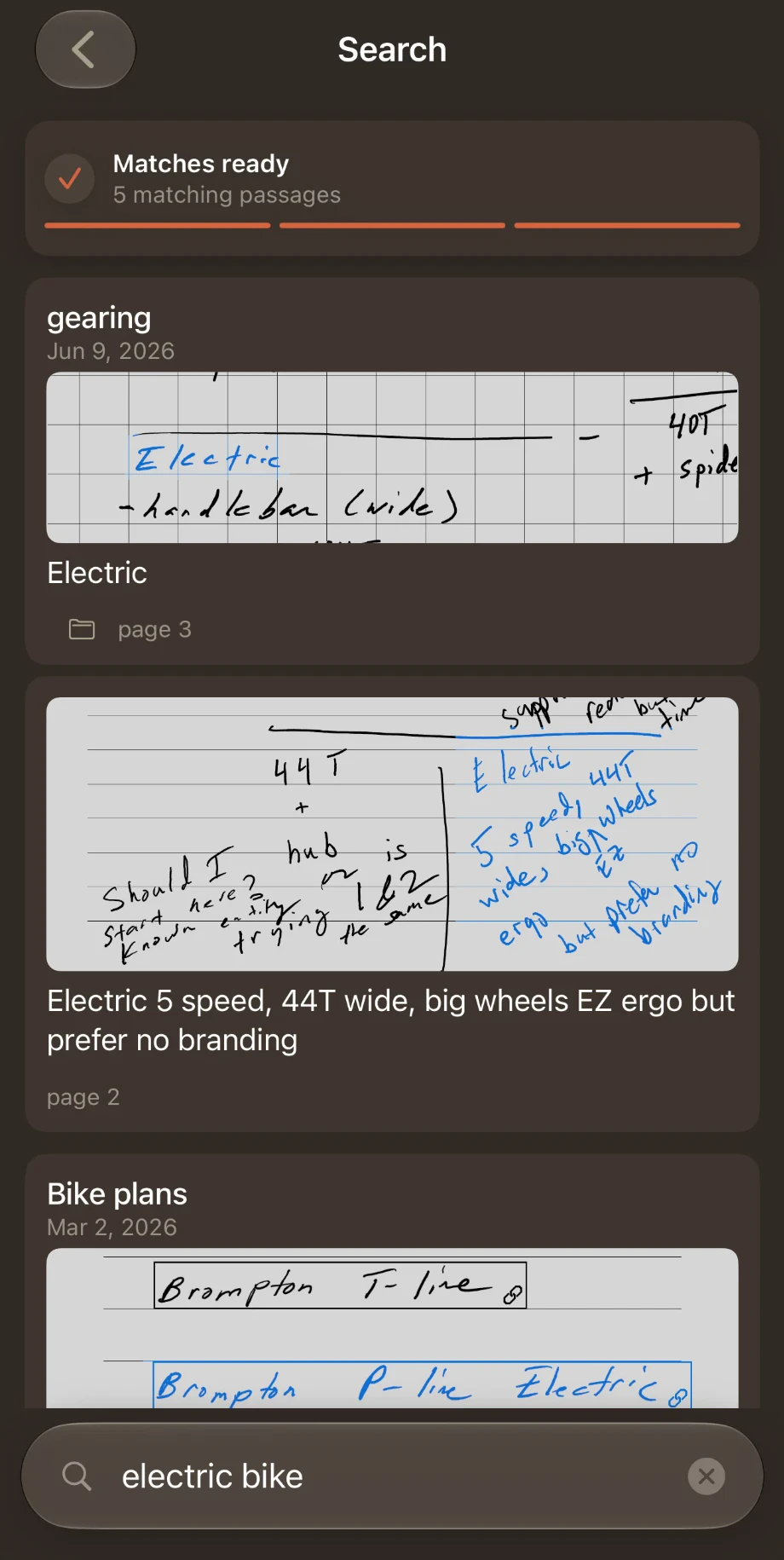
Find it when you need it.
Search for what you meant, not the words you wrote, and get back the page in your own hand.
Written once. Followed through.
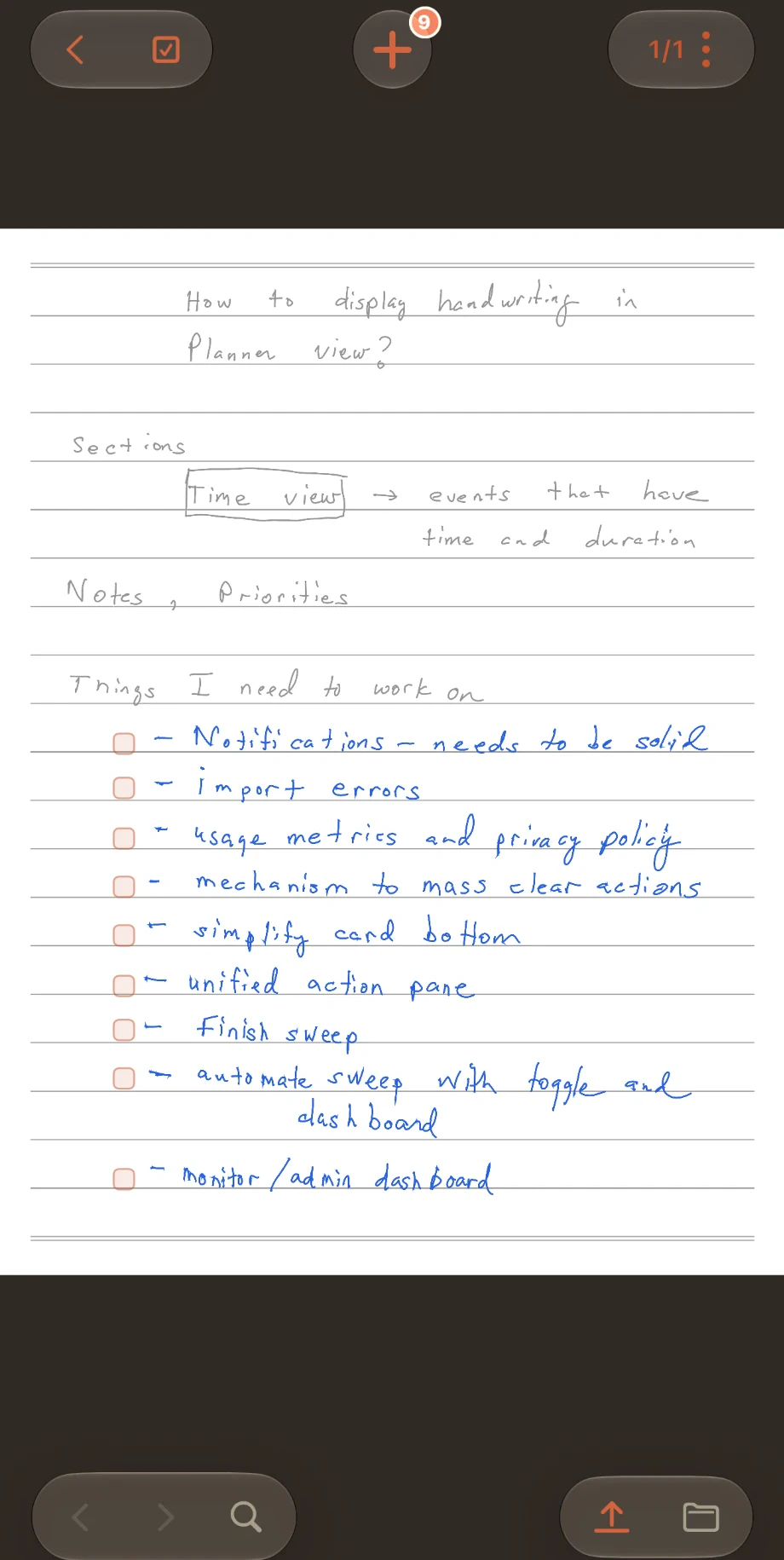
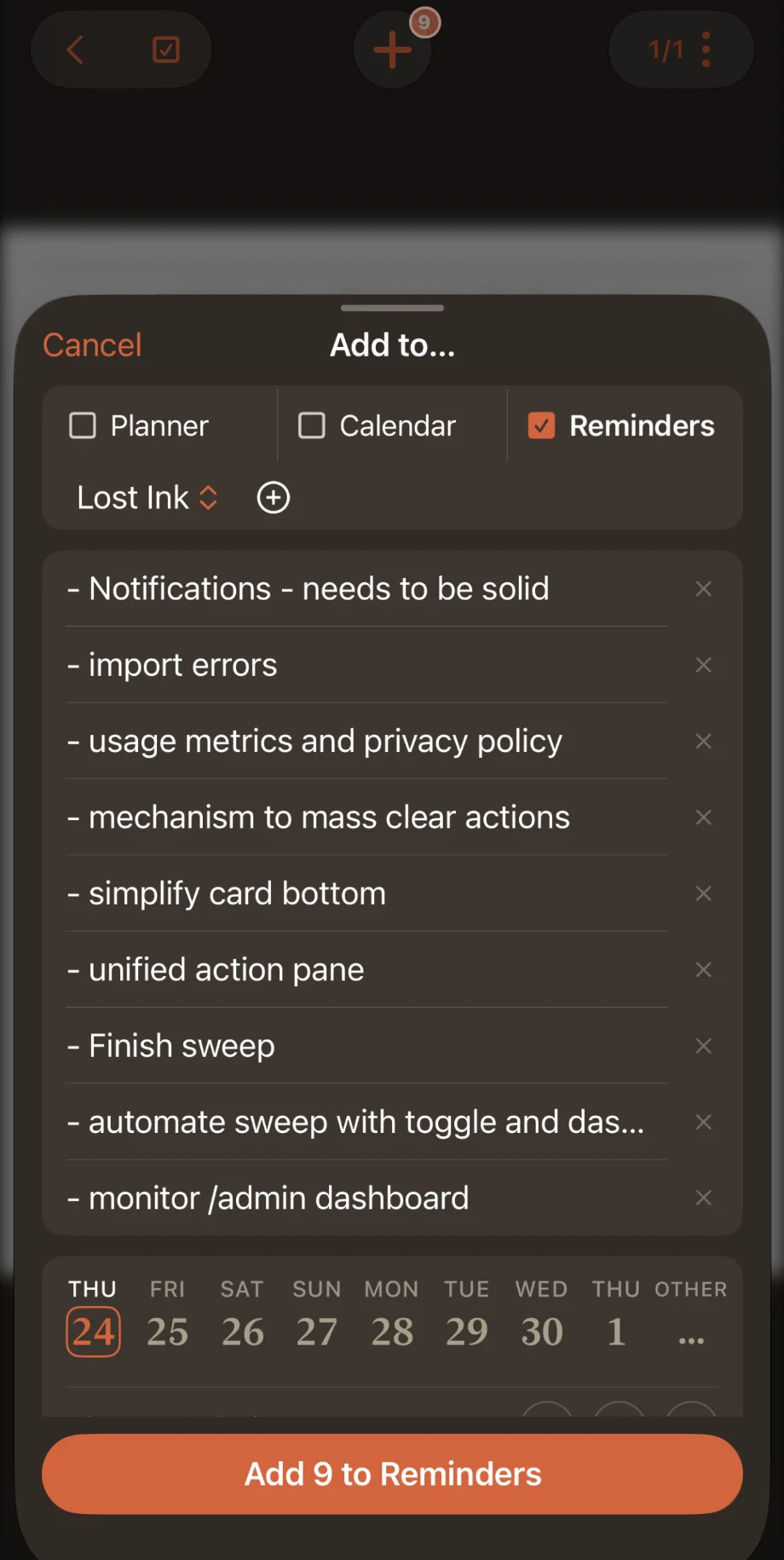
Lost Ink notices the to-dos and dates in your notes. Tap any line, or a whole list, and put it on your day planner, your calendar or a to-do list, in Lost Ink or the app you already use, like Reminders or Notion. When it’s done in one place, it’s done everywhere.
Plan on paper, if you like.
Lost Ink can put a daily planner on your tablet with your calendar already on it. It’s up to date whenever you open it.
Use as much of it as you like.
No streaks, no badges, no system to learn. Lost Ink doesn’t tell you how to organize your thoughts. And no person reads your notebooks unless you say so.